Social Media Analytics Is the Second Conversation You're Already Losing
By 2026, the average brand posts to more than seven social channels, but most marketing teams can still only tell you their top post by likes. That's like running a store and only knowing how many people walked past the window. The uncomfortable truth: 74% of social teams say they track metrics, but under 30% actually act on them within a week. The gap isn't data collection—it's the reading of it. This guide walks you through what a serious analytics stack looks like in 2026, where the real signal hides, and which tools justify their price tag when you actually put them to work.
Why the "Big Three" Metrics Keep Lying to You
Reach, impressions, and follower count are vanity metrics with a fast decay curve. They tell you how loud you were, not how valuable you were. A post that reaches 200,000 people but converts nothing is a billboard in the desert. Real social analytics answers four questions in sequence: Did the right people see it? Did they engage meaningfully? Did any of them visit your site? Did any spend money? The tools below differ mostly in how cleanly they connect those four hops.
What a Modern Social Analytics Workflow Actually Looks Like
Stop thinking about "one dashboard to rule them all." The teams shipping actual ROI run a three-layer pipeline:
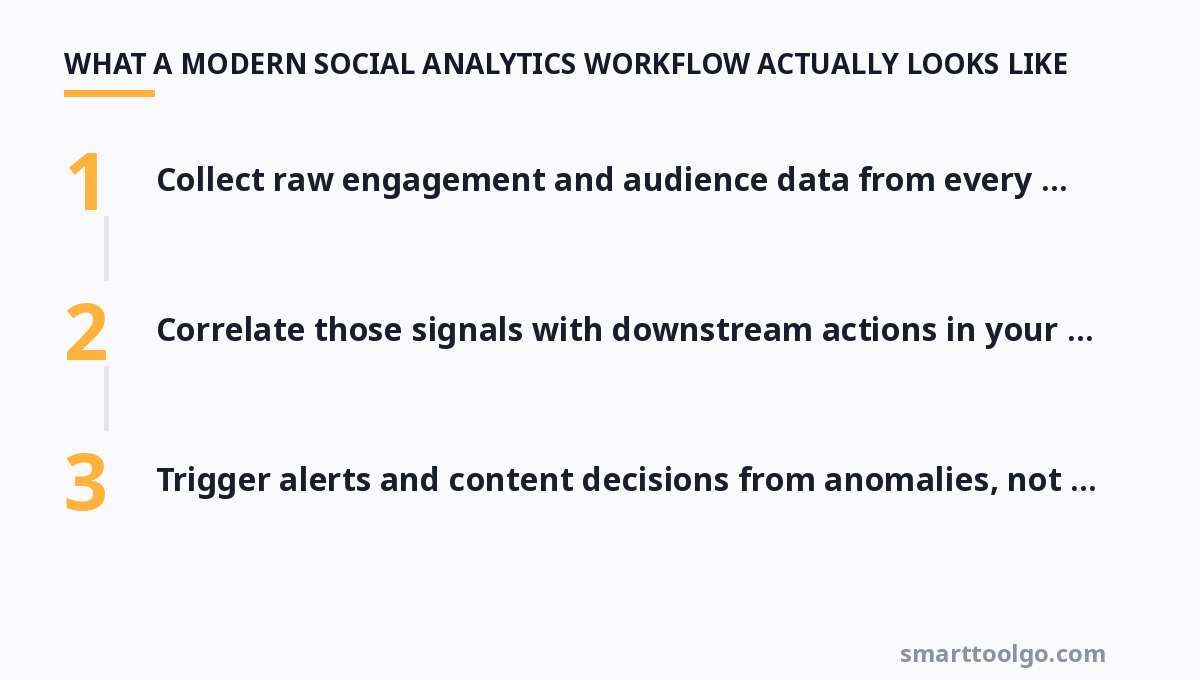
- Collect raw engagement and audience data from every network (plus your UTM-tagged link clicks).
- Correlate those signals with downstream actions in your analytics and CRM—not in isolation.
- Trigger alerts and content decisions from anomalies, not from monthly gut checks.
If you're still exporting CSV files and pasting them into a shared spreadsheet, every tool below is a step up—but some steps are bigger than others.
Compare the Analysts: a Head-to-Head Look at Real Tools
Here's how the platforms that actually matter stack up on price and focus. Prices are what a growing mid-sized team should expect in 2026.
| Platform / Tool | Key Features | Pricing |
|---|---|---|
| Semrush Social | Post scheduling across major networks, brand mention tracking, competitor benchmarking, AI content assistant for captions | Social add-on from around $29/month (includes 50 posts/mo); full platform from $139.95/mo billed annually |
| Hootsuite | Multi-network scheduling, unified inbox, team approvals, preset analytics reports, paid amplification | Professional plan from $99/month for 1 user/10 social accounts; analytics dashboards in higher tiers |
| Awario | Real-time brand and keyword mention monitoring across social and web, sentiment analysis, influencer detection | From $29/month (Starter, 3 mentions subjects); 14-day trial for all plans |
| Buffer Analyze | Simple, clean post performance dashboards, audience growth reporting, easy white-label option | Free forever for basic scheduling; Analyze deep reports from $18/month thereafter |
| Brand24 | AI-powered mention sentiment, social listening, share-of-voice tracking, hashtag analytics | From $99/month (Starter, 3 keywords, 7-day data history); 14-day free trial |
| Socialinsider | Competitor analysis, Instagram Stories & TikToK deep metrics, content benchmarking, PDF reports | From $79/month billed monthly (starter); annual billing drops the effective price about 20% |
Notice the pattern: monitoring-first tools like Awario and Brand24 are cheaper because they don't try to be your scheduler too. If you're already set on posting, buying a dedicated listening tool is often smarter than paying for a scheduler upgrade you won't use.
Schedule Smarter, Measure Harder
Scheduling and analytics are sibling problems, and most affordable schedulers now bundle enough reporting to matter. Before you buy the full enterprise stack, confirm you've actually used the reporting baked into your current scheduler. If you're choosing fresh, pair a solid scheduling backbone with a lightweight analytics layer rather than paying for one monolith. A good place to start is comparing how different social media scheduler options handle both posting and the reports you need for your next meeting.
The Channels That Get Ignored (and Why That's Your Edge)
Everyone fights over Instagram and TikTok engagement, so the analytics there are competitive and noisy. Three quieter channels quietly outperform for measurable leads: YouTube search (its query data is a goldmine and underused), LinkedIn article and poll engagement for B2B, and Reddit where thread mining with tools like Awario finds demand nobody is optimizing for. If your competitor dashboard only tracks three networks, you can win on the fourth and fifth without spending a dollar more.
From Dashboards to Decisions: Closing the Loop
A dashboard that isn't wired to a decision is decoration. Every serious team should have at least two automated triggers: a weekly rollup that scores content against conversion (not just engagement), and an anomaly alert that pings you when a metric drops or spikes beyond your historical norm. When a post underperforms, your analytics should tell you whether it's the audience, the timing, or the hook—not just that it underperformed. Most tools below can do this with a couple of hours of setup. For a visual overview of how your data layers connect, an analytics dashboard guide can save you from building a Frankenstein report.
What B2B Teams Specifically Need to Look For
If you're B2B, engagement counts are only half the story. You need features most SMB tools treat as post-hoc: account-based filtering (which of your target accounts engaged), firmographic breakdowns of your followers, and intent signals that connect a LinkedIn interaction to a later site visit. Semrush Social and Socialinsider both expose competitor benchmarks that help you set realistic baselines, but neither nails intent tracking out of the box—pair them with your CRM's UTM data for the full picture.
Picking a Stack Without Burning Budget
Small teams should resist the bundle reflex. For under $100/month you can combine a free or near-free scheduler's reporting with a dedicated listening tool, and cover 80% of what an enterprise suite does. The math: Buffer Analyze at ~$18 plus Awario at ~$29 beats Hootsuite's single-seat $99 plan for most solo operators and small agencies, because you're paying for the two modules that actually move your numbers instead of the ones you'll never open.
If you need visuals to feed your social schedule in parallel, don't skimp on the asset side either—great analytics expose weak creative, but they can't fix it. Browse some social media graphic generator options, and keep a rolling content calendar tied to the metrics you're chasing. If your posting cadence is still the bottleneck, a practical rundown of will keep the schedule from falling apart while you tune the numbers.
For more, check out: .
FAQ
Which social media analytics tool is best for a small business on a tight budget?
Pair Buffer's free scheduling tier with Awario's $29 Starter plan for listening. That combination gives you scheduling and real-time brand monitoring for under $30/month, which beats any single paid suite at that price point. Add Buffer Analyze (~$18) only when you need deeper post-performance history.
Why do my reach and engagement numbers disagree so much across tools?
Different platforms sample API data differently and update at different intervals. Reach is frequently an estimate, not a count, and TikTok and Instagram expose derived figures. For consistent comparisons, always pull the same metric from the same tool on the same schedule, and never mix numbers across two dashboards in one report.
Can I track competitor performance without paying for enterprise pricing?
Yes. Socialinsider (from $79/month) and Semrush Social's competitor benchmarking do this well at mid-tier pricing. Awario also tracks competitor brand mentions. The limitation is usually data history length—cheap plans only show recent days—so commit early if competitor tracking is core to your strategy.
How often should I actually review my social analytics?
Set up a nightly anomaly check for anything spiking or crashing, a weekly content-per-format scorecard, and a monthly deep read against business goals. Reviewing raw numbers daily leads to overreacting to noise; reviewing monthly misses opportunities to double down on a winning post while it's still hot.
What's the single most underused report most teams already own?
UTM-attributed conversion by social network and post. Most teams have the data in Google Analytics but never join it to social engagement, so they can't tell whether a viral post is profitable. Wiring that one join is worth more than any new tool purchase.
Get one practical tool tip a week
Short, useful, no spam. Unsubscribe anytime.